
RoomCraft AI — Virtual Room Designer
RoomCraft AI is Chantelle's most ambitious build, and the striking thing is where she started: not with what it should look like, but with **what data it needs to store**.
Her specification includes a database schema. A *Users* table for authentication, and a *Projects* table linked to the user by ID, holding the project name, the original image URL, the generated image URL, the chosen style, the chosen room type, and a created-at timestamp. Working out that a saved design is a row, that it belongs to a user by a foreign key, and that you need to keep *both* the before and after images to compare them later — that's relational data modelling, and it's the layer most people skip entirely when describing an app.
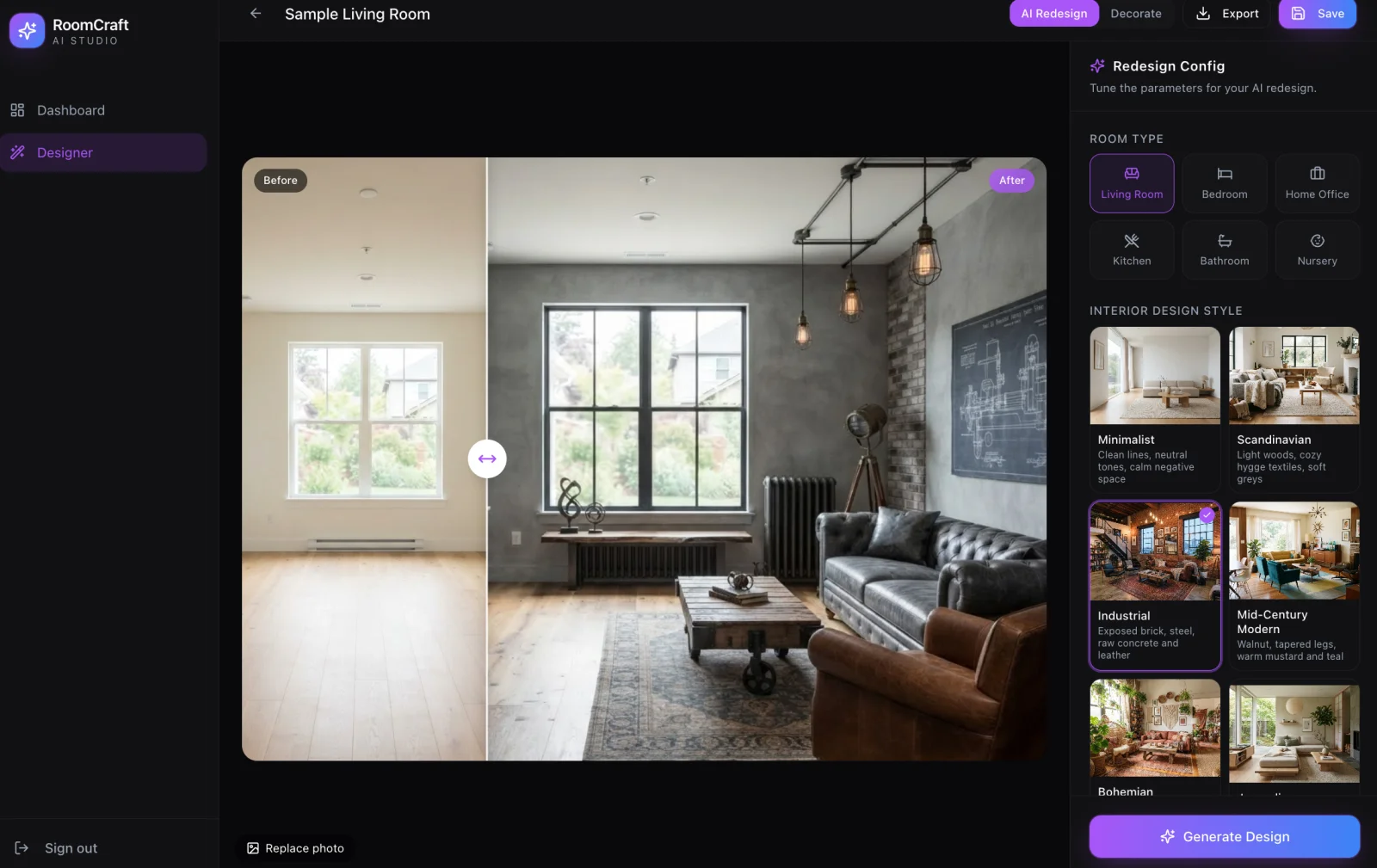
The finished studio delivers on it. A dark, premium workspace in deep charcoal with electric purple accents — exactly the aesthetic she specified — with Dashboard and Designer sections and real sign-in behind them. You upload a photo of an actual room, and the **before-and-after split slider** works: drag the handle and an empty beige living room becomes a full industrial space with exposed brick, a leather chesterfield, a reclaimed-wood table and hanging Edison bulbs. That slider was the centrepiece of her brief, and it's the feature that makes the tool persuasive rather than merely clever.
The configuration panel went well beyond the spec. She asked for three room types and got six — living room, bedroom, home office, kitchen, bathroom and nursery. She asked for four design styles and built more, each with its own written definition: Minimalist as *"clean lines, neutral tones, calm negative space"*, Scandinavian as *"light woods, cozy hygge textiles, soft greys"*, Industrial as *"exposed brick, steel, raw concrete and leather"*, Mid-Century Modern as *"walnut, tapered legs, warm mustard and teal"*, plus Bohemian and more. Writing a short design-vocabulary definition for each style is what lets the AI produce something specific instead of generically tasteful — she's effectively authoring the prompt library the tool runs on.
There's also a Decorate mode for placing furniture onto the photo directly, plus Replace Photo, Export and Save. Her brief had called for a *mock* generation state — a spinner resolving to a placeholder — which is the correct way to prototype an expensive feature before paying for it. The shipped version does the real thing.
**Note: the public link is temporarily unavailable.** The app itself works, but its sign-in route isn't published yet, so new visitors currently hit a "Page Not Found". The screenshot above is the working studio. The live link goes back in as soon as that's fixed.
More like this
Grid Watch — Live F1 Standings, Telemetry & Strategy
by Cyrus Lee
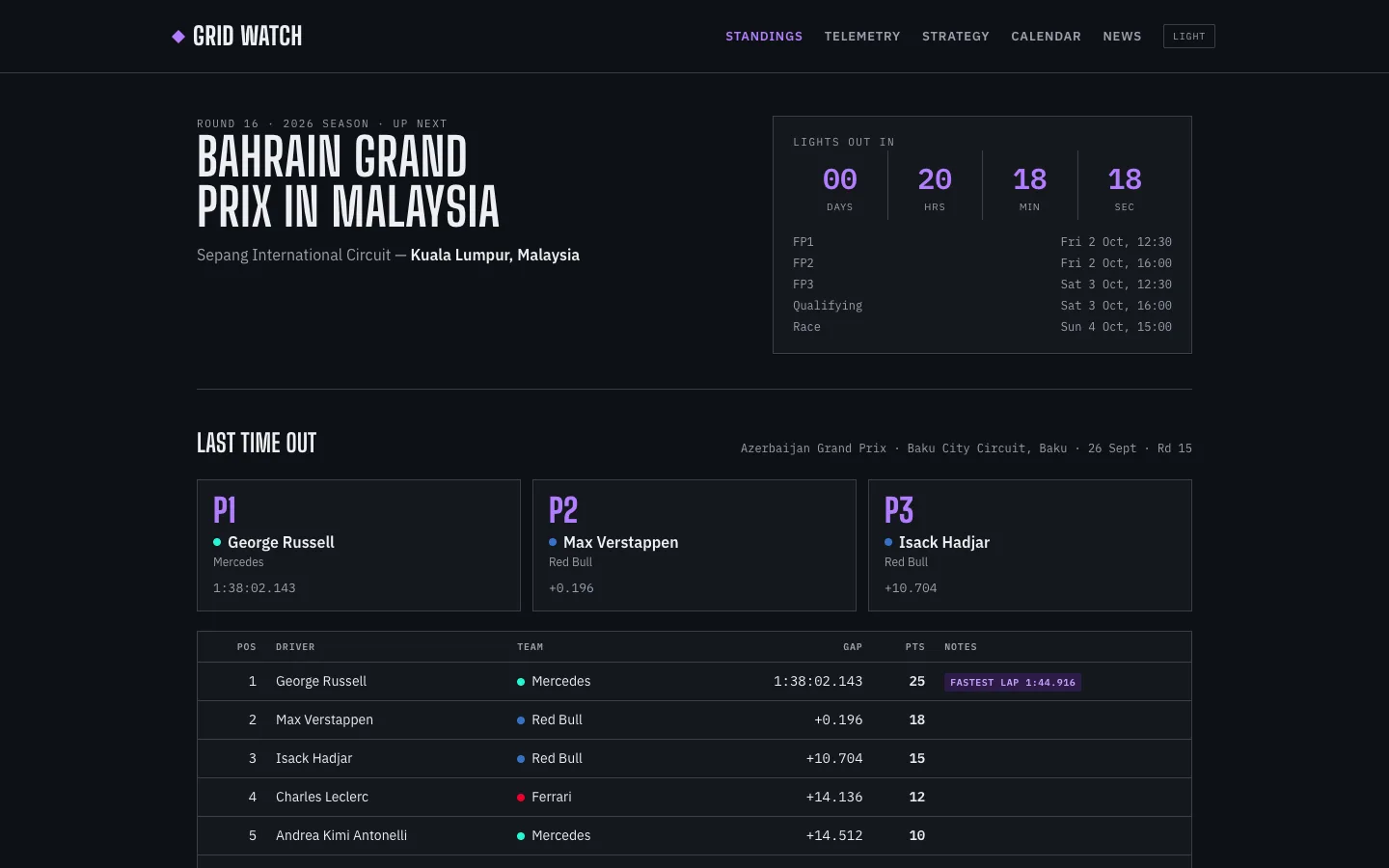
A live Formula 1 dashboard: championship standings and a race-weekend countdown, lap-by-lap telemetry with a corner-by-corner braking comparison of any two drivers, and tyre strategies projected from the weekend's own long-run pace.
What's for Dinner — Quick Pick & Nutrition Coach
by Alvin Ng
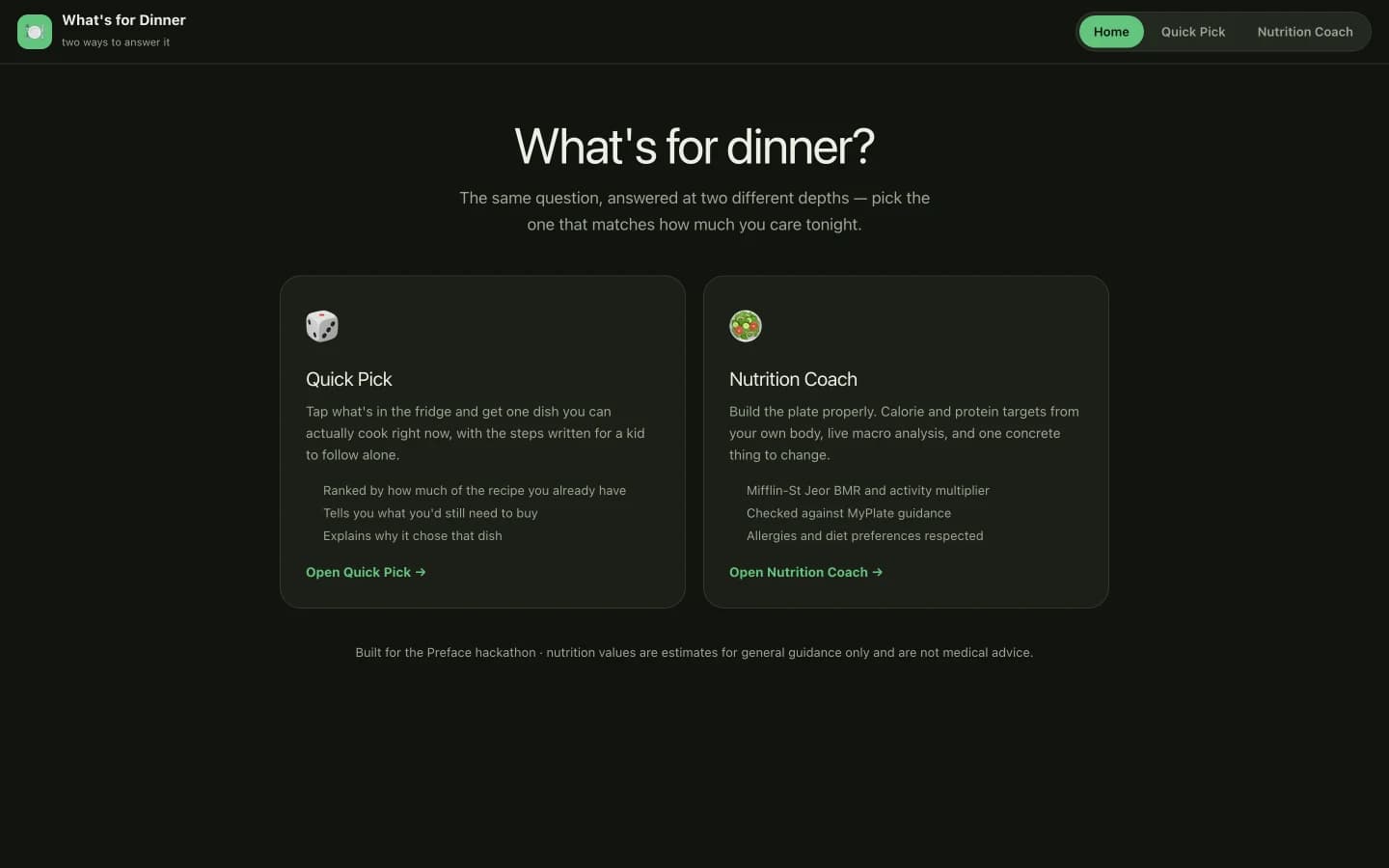
One question answered at two depths: tap what's in the fridge for a dish you can cook right now, or build the plate properly against calorie and protein targets calculated from your own body.
Baseline — Your Assistant Coach, In Your Pocket
by Diana Lam
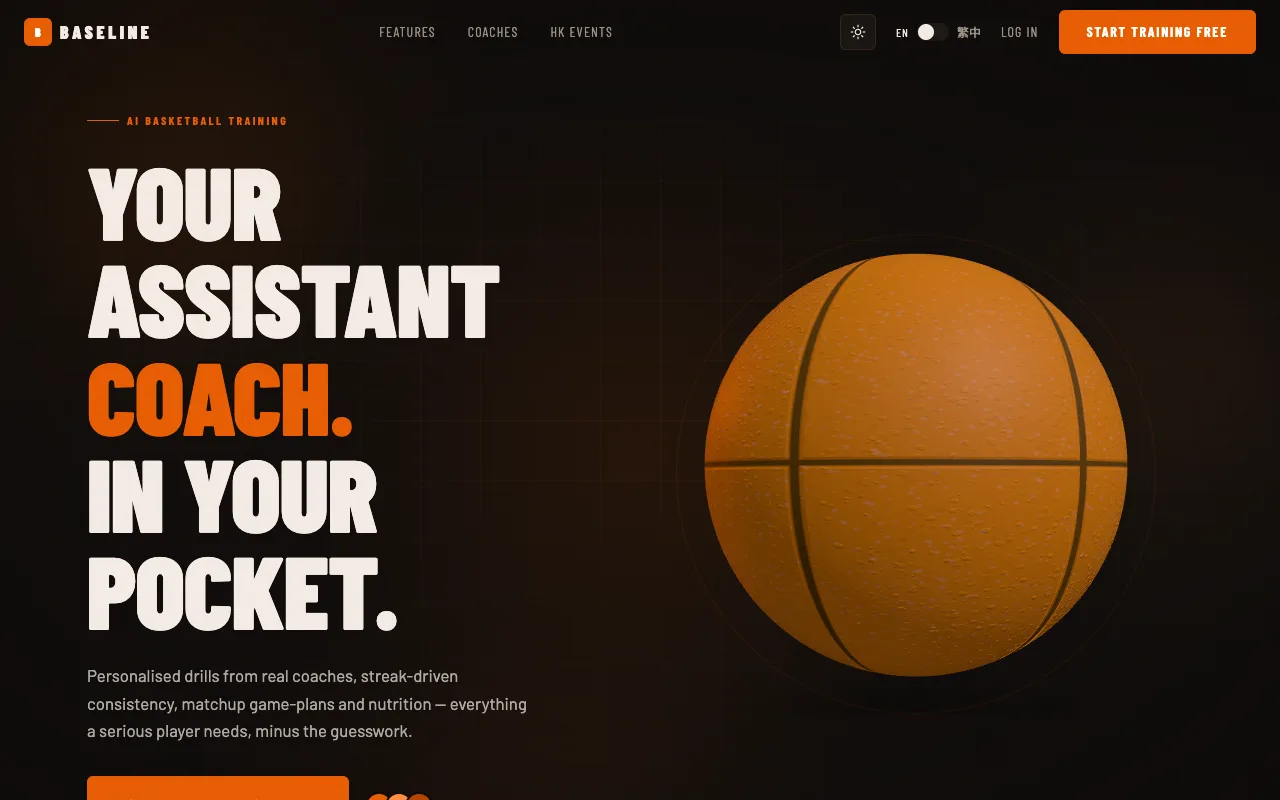
An AI basketball training platform for Hong Kong players — personalised drills credited to real coaches, streak-driven session logging, matchup game-plans and a coach marketplace, with a full Supabase auth and onboarding flow behind it.